Email Enrollment Directions
If you would like to use email for MFA, Be sure to use your personal email address. If you do not have an email address and would like to create one, there will be instructions at the bottom of this document.
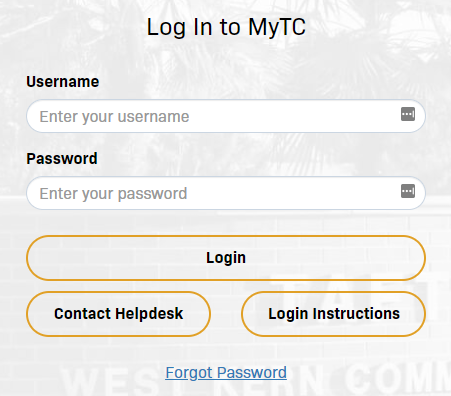
1. Enter your Taft College username and password. Click Login
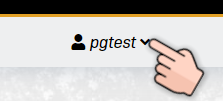
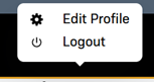
2. Select username (Top right corner) – Followed by Edit Profile
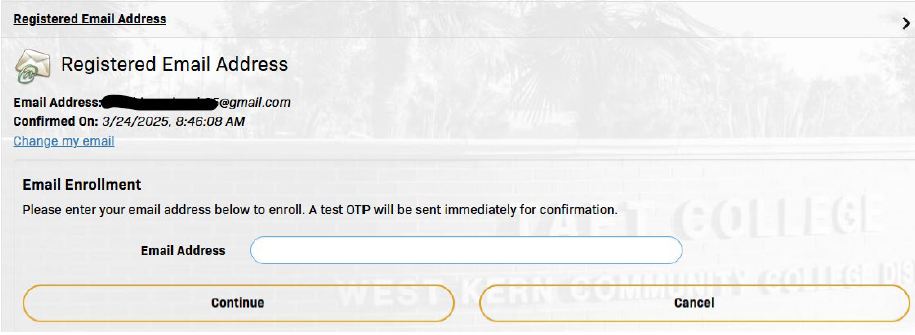
3. Select Registered Email Address from Menu

4. Click ‘change my email‘ and then enter your personal email address.
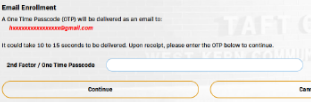
5. It will send a code to the email address you entered. Type that code into the following field:
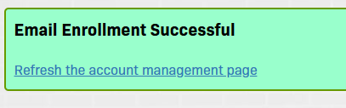
6. An “Email Enrollment Successful” message should display
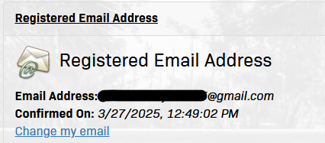
7. Now your Registered Email Address setup is complete
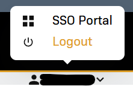
8. Click on username. Followed by logout (Top right-hand corner)